Camera
The Camera module provides in-situ imaging of the substrate during deposition using a scientific camera.
The camera is mounted on the moving blade-coater assembly and follows its position across the substrate. This allows images to be acquired at defined position intervals during a Charon Recipe.
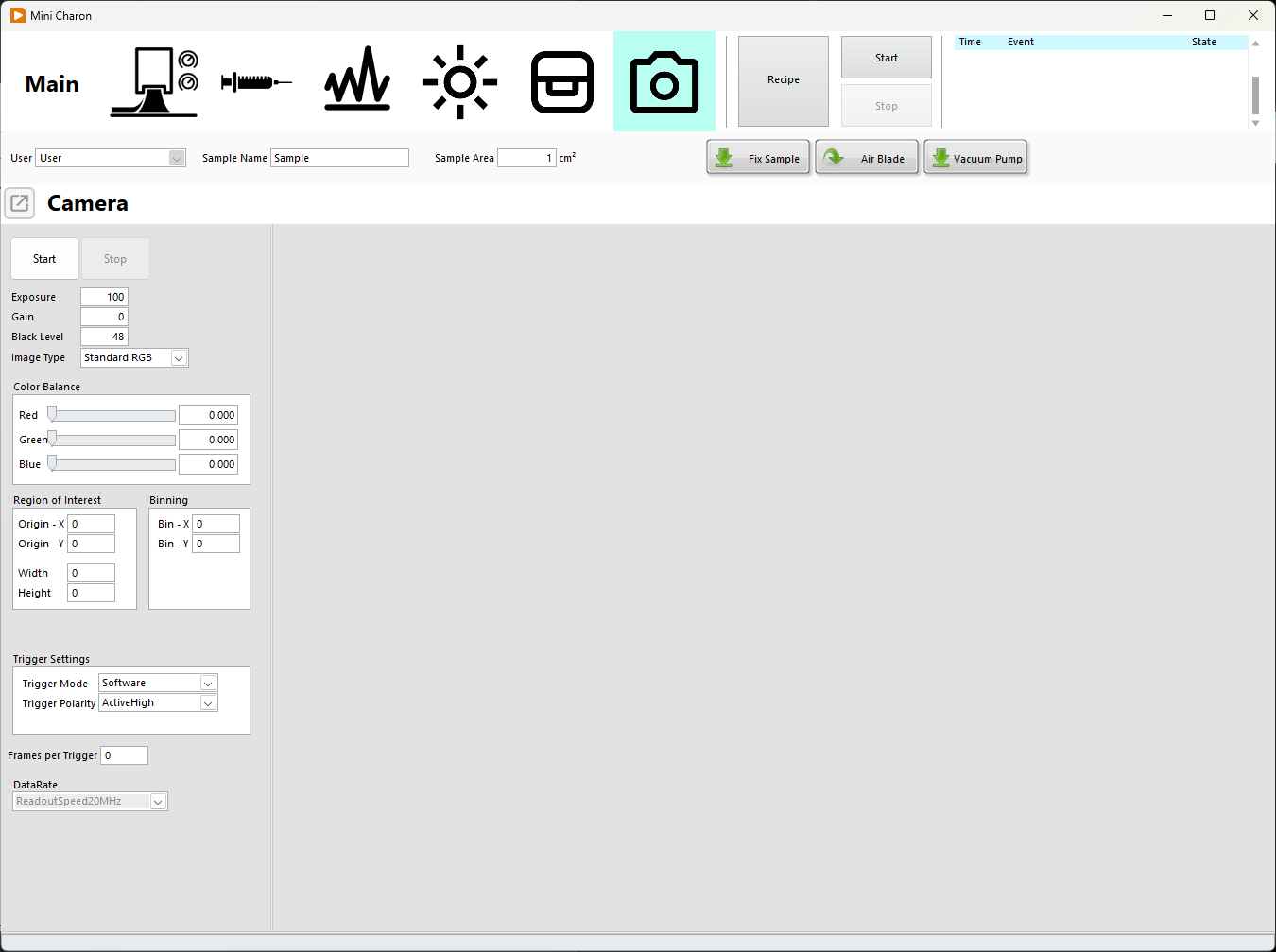
Camera Overview
The Camera module provides:
- Continuous live imaging
- In-situ monitoring during deposition
- Automated image acquisition based on coater position
- Recipe-based image saving
The exact camera model and available camera settings depend on the installed Charon configuration.
Live Camera
The camera image is displayed continuously in the Camera panel.
The live view can be used to:
- Check the substrate and deposited film
- Verify the camera position and field of view
- Monitor the deposition process in real time
Note
The continuously displayed live images are not saved automatically. Images are saved only when image acquisition is configured as part of a Charon Recipe.
Typical In-situ Imaging
A typical automated camera measurement is:
- Verify the camera image using the live view.
- Create a Recipe containing a camera acquisition step.
- Configure the measurement range and position interval.
- Configure the required camera acquisition parameters.
- Start the Recipe.
- The blade coater moves across the substrate.
- Images are automatically acquired at the configured position intervals.
- The acquired images are saved automatically.
Recipe Acquisition
Camera measurements are configured from the Recipe window.
The user can configure:
- Start position
- End position
- Position interval
- Camera acquisition parameters
During the measurement, Charon monitors the position of the blade coater and acquires an image each time the configured position interval is reached.
For example, with:
Start position:     20 mm
End position:       120 mm
Position interval:  10 mm
images are acquired along the coating path at 10 mm intervals.
The camera acquires the images while the coater is moving. The coater does not need to stop at each measurement position.
Saved Images
Images acquired during a Recipe are automatically saved in:
PNG format
Only images requested by the Recipe are saved. The continuous live camera stream is used for monitoring and is not recorded.
This allows the saved images to be associated with defined positions along the substrate and with the corresponding deposition process.
Camera in Recipes
Camera acquisition can be combined with other Charon operations such as:
- Blade movement
- Liquid dispensing
- Substrate heating
- In-situ PL measurements
- Waiting periods
- Drying operations
This makes it possible to record the visual evolution of the film at defined positions during an automated deposition process.
The creation and configuration of automated processes is described in the Recipes section of this manual.